Get started
When your account has no athletes or no plan in progress yet, your Pulse page shows a Get started checklist with five steps:- Invite your first athlete
- Create a group
- Assign the first plan
- Connect Garmin
- Send the first message
Your coaching workspace
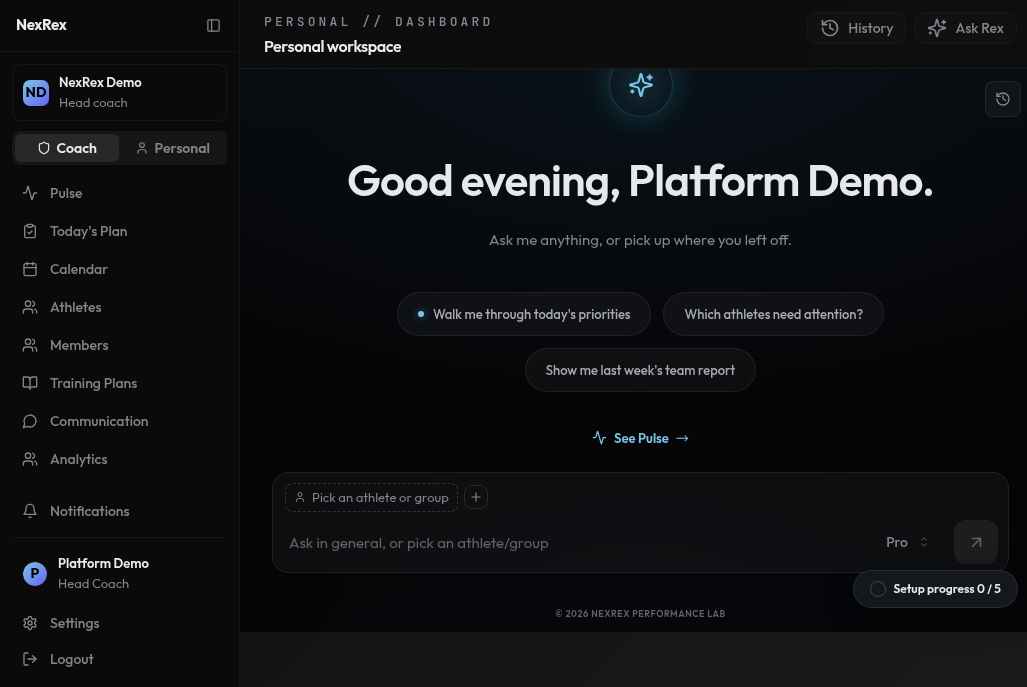
The coach home with Rex chat ready to draft plans, review athletes, or answer training questions.
Today
Today’s Plan in the coach console sidebar (the Today tab in the NexRex app’s coach mode) is your daily coaching view: the day’s scheduled workouts, who still has to finish them, and who needs your attention. Use it to sweep your roster in one place instead of opening profiles one by one. See Today’s Plan for what each part of the page shows.Who appears on Today
What you see depends on your role:- Head coaches and admins see the whole organization roster.
- Every other coach sees athletes directly assigned to them plus active members of active Group Plans they own or co-manage. The two sets are merged, so an athlete who is on your direct roster and in one of your group plans appears once.
Pulse: who needs you right now
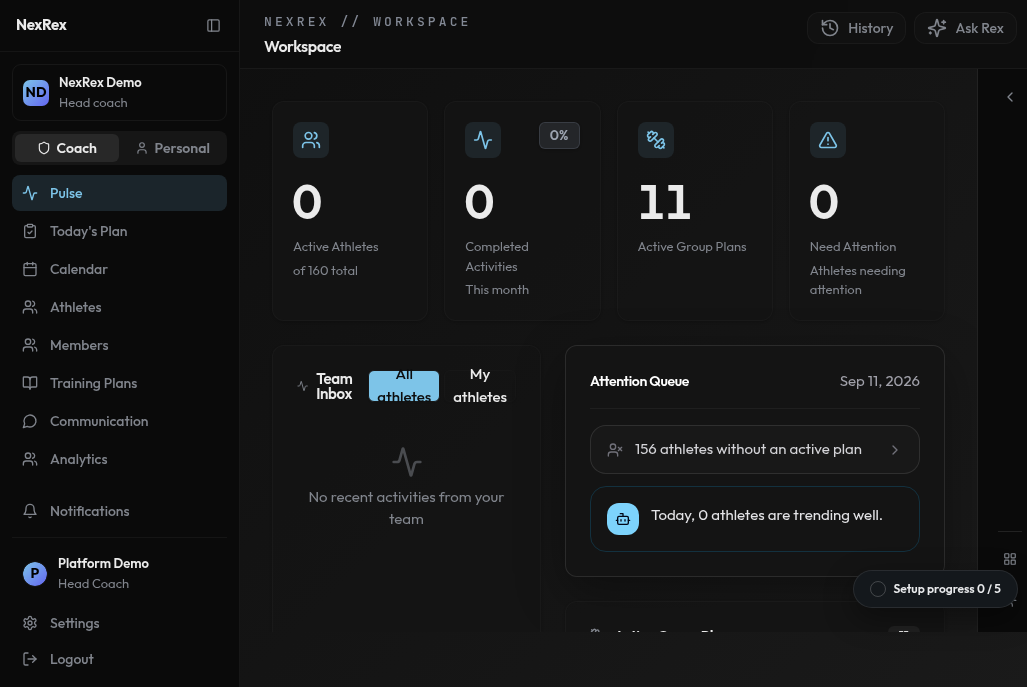
The Attention Queue surfaces athletes flagged for missed sessions, fatigue signals, or recovery trends.
Organization timezone and language
Your organization has its own timezone and language, separate from each coach’s personal settings. You choose both when you create the organization. You can change the timezone later under Settings → Organization. The Organization timezone picker lists IANA timezone names, such asAsia/Taipei or America/New_York, plus UTC. NexRex uses the organization
timezone for:
- New group plans and future schedule changes to them.
- The default timezone of new group competitions when you leave Competition timezone blank.
- Broadcast quiet hours when you save a channel’s delivery policy.
Core coaching features
Manage athletes
Invite runners, organize groups, and assign training plans to individuals or squads.
Plan Builder
Draft a periodized plan with Rex or build one manually — your first plan takes minutes.
Athlete insights
Compliance tracking, health alerts, and lifecycle stages for every athlete on your roster.
Group plans
Roll out one training block to an entire squad with group-specific sessions.
Group competitions
Pit teams against each other on distance, duration, training load, or activity count.
Workout library
Build reusable workout templates with structured intervals and pace zones.
Direct Messaging
Message athletes individually or broadcast updates to groups.