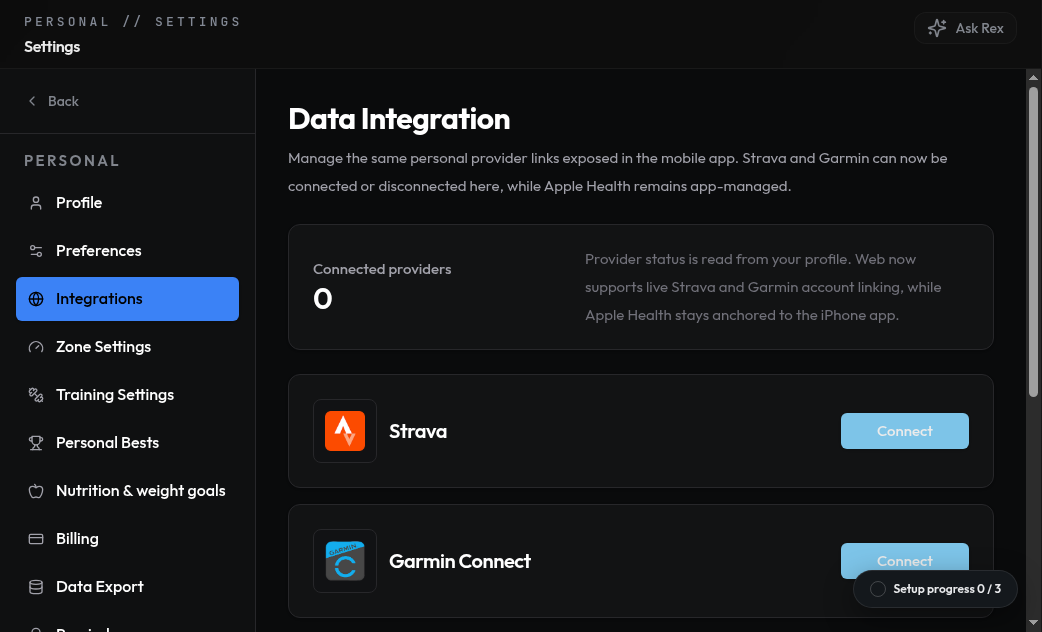
Data Integration settings in the web console let you authorize Strava and Garmin Connect accounts.
How to connect
Garmin
Garmin
Go to Settings → Connections → Garmin and authorize NexRex. New activities
sync automatically after you finish them.
Strava
Strava
Go to Settings → Connections → Strava and authorize NexRex. Existing
activities backfill on first connect.The Strava row shows one of four states, refreshed each time you open the
screen:
- Connected — Strava is authorized and syncing.
- Disconnected — no authorization on file. Tap the row to grant access.
- Reconnect required — Strava rejected the stored authorization (for example, you revoked access from Strava, or the grant expired). Tap the row to start a fresh OAuth grant; new activities resume once you finish.
- Temporarily unavailable — NexRex could not reach Strava to confirm status. The previously known state is kept until the check succeeds.
Apple Health
Apple Health
On iOS, open Settings → Connections → Apple Health and grant workout and
heart-rate permissions.